
Squid Academy Mobile App
Bring esports education to mobile.
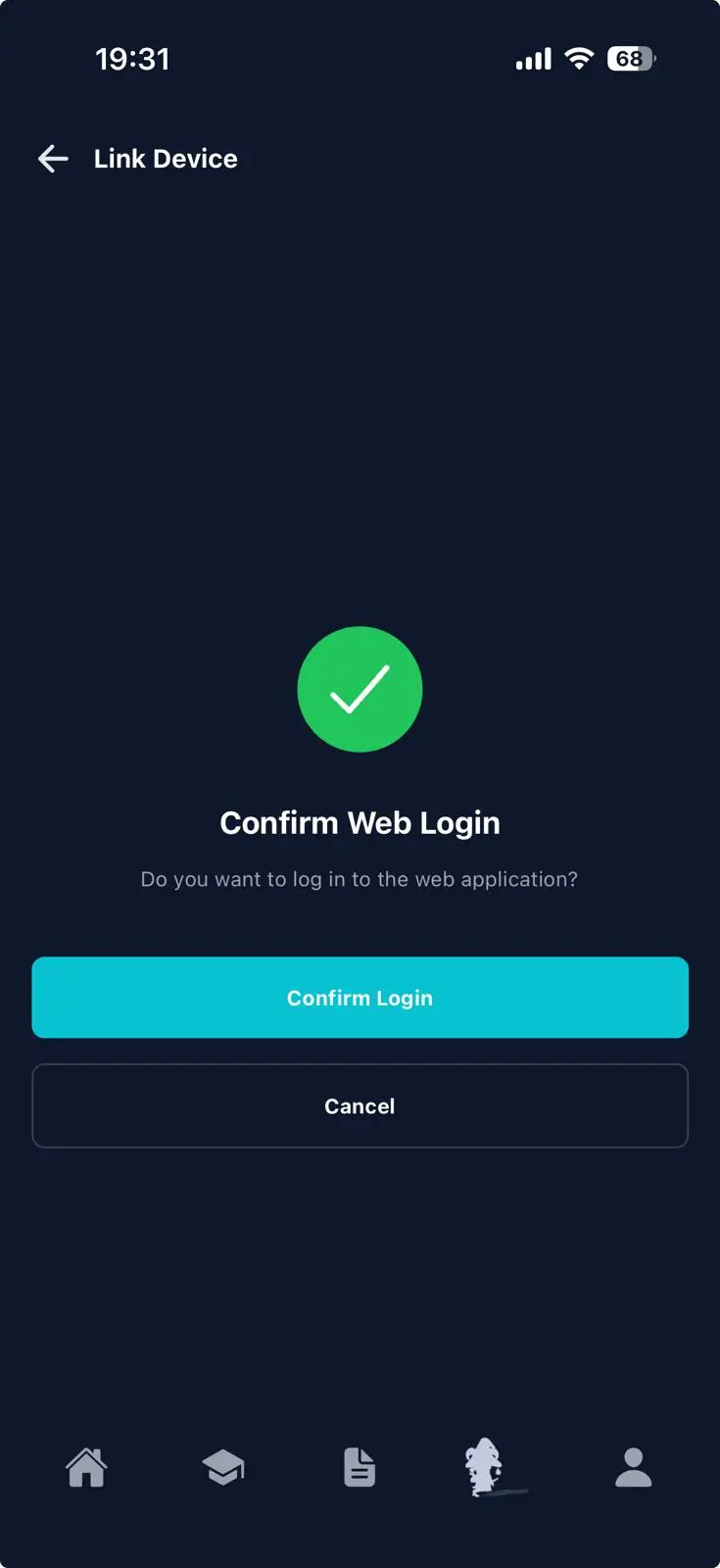
Enables QR-based login to the web platform. Available on Google Play and the App Store.


Learning Without Limits
The Squid Academy Mobile App provides students and teachers with convenient access to learning, classes, and assessments through a mobile-first interface.
The app mirrors the core functionality of the web platform while optimizing navigation and interaction for mobile devices.
Students can continue lessons on the go, while teachers can manage classes and review progress without needing to access the desktop LMS.
Student Experience
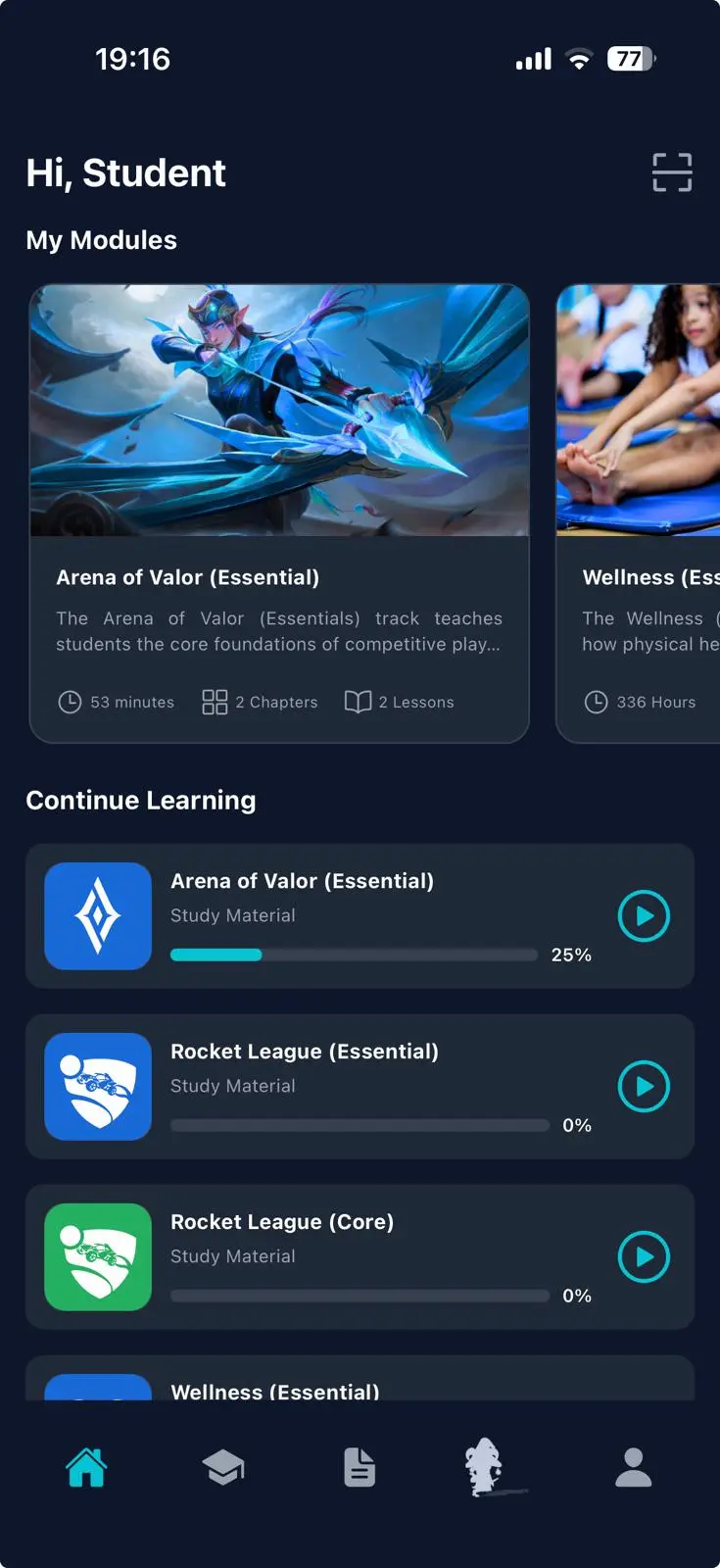
Students can access their learning environment directly from their mobile device.
- Secure signup and login linked to the Squid Academy platform
- Public profile automatically created upon signup
- Switch between public and organization profiles
- View assigned classes and course progress
- Continue learning modules from any device
- Access personality test results and learning insights
Progress automatically synchronizes with the web platform, ensuring students can switch between devices without losing their place.
Teacher Experience
Teachers can manage their classes and student progress directly from the mobile interface.
- View assigned classes and student rosters
- Monitor lesson progress and module completion
- Mark sessions as completed
- Review and grade assessments
- Provide feedback to students
All updates synchronize instantly with the LMS backend, allowing teachers to manage learning progress wherever they are.
Mobile Learning Environment
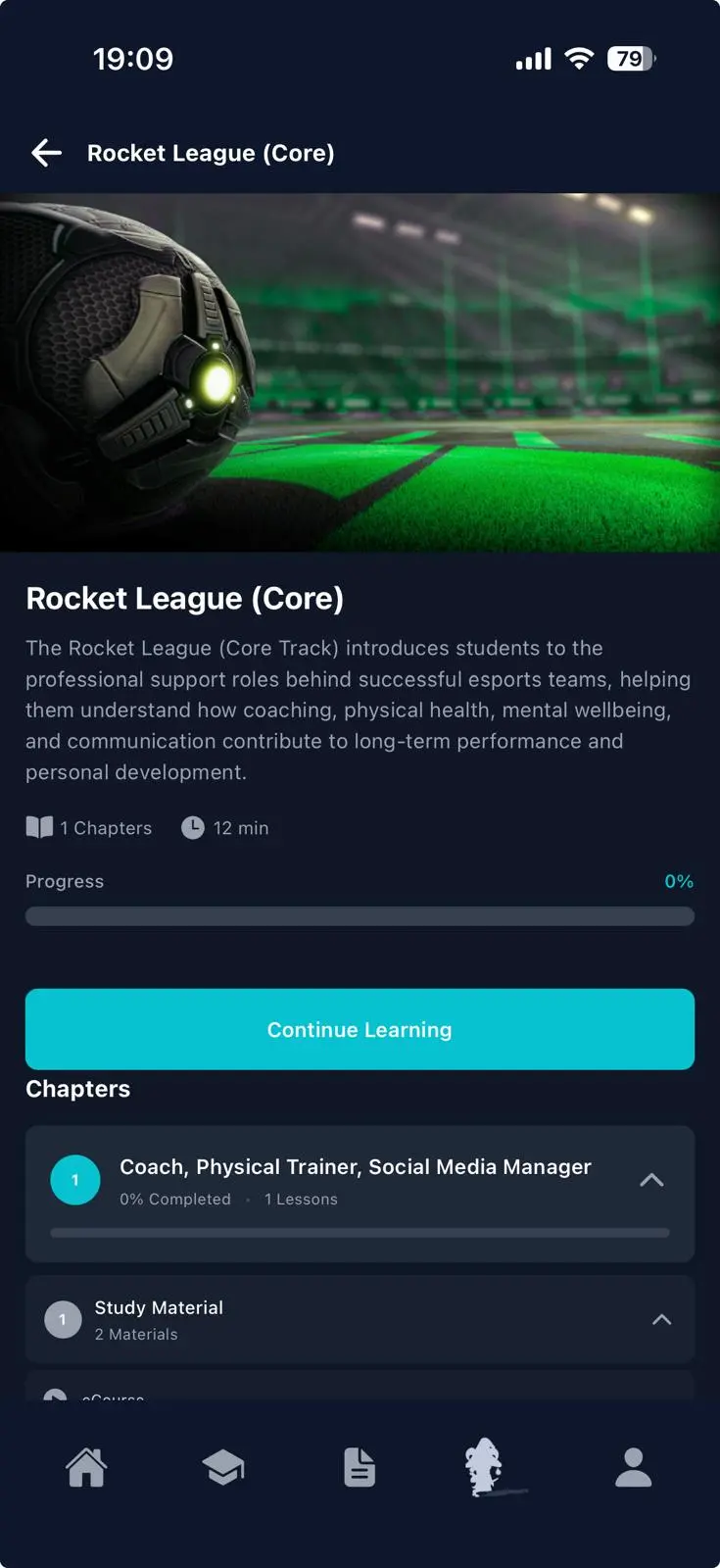
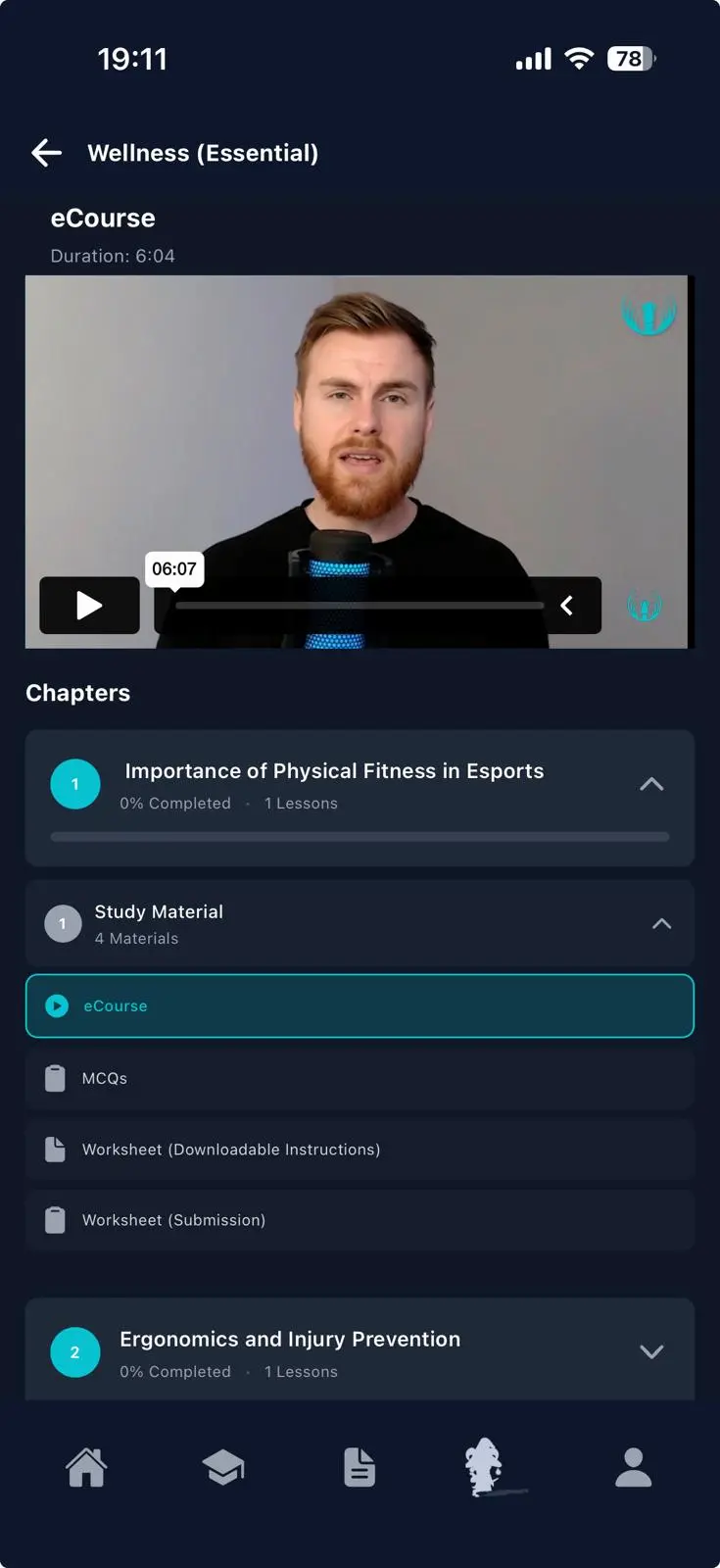
Students can interact with the same structured learning modules available on the web platform.
- Access modules and chapters
- Continue lessons across devices
- Submit assessments and assignments
- Track course progress and completion
- View scores and teacher feedback
Learning progress updates in real time across both the mobile app and web platform.
Secure Web Login
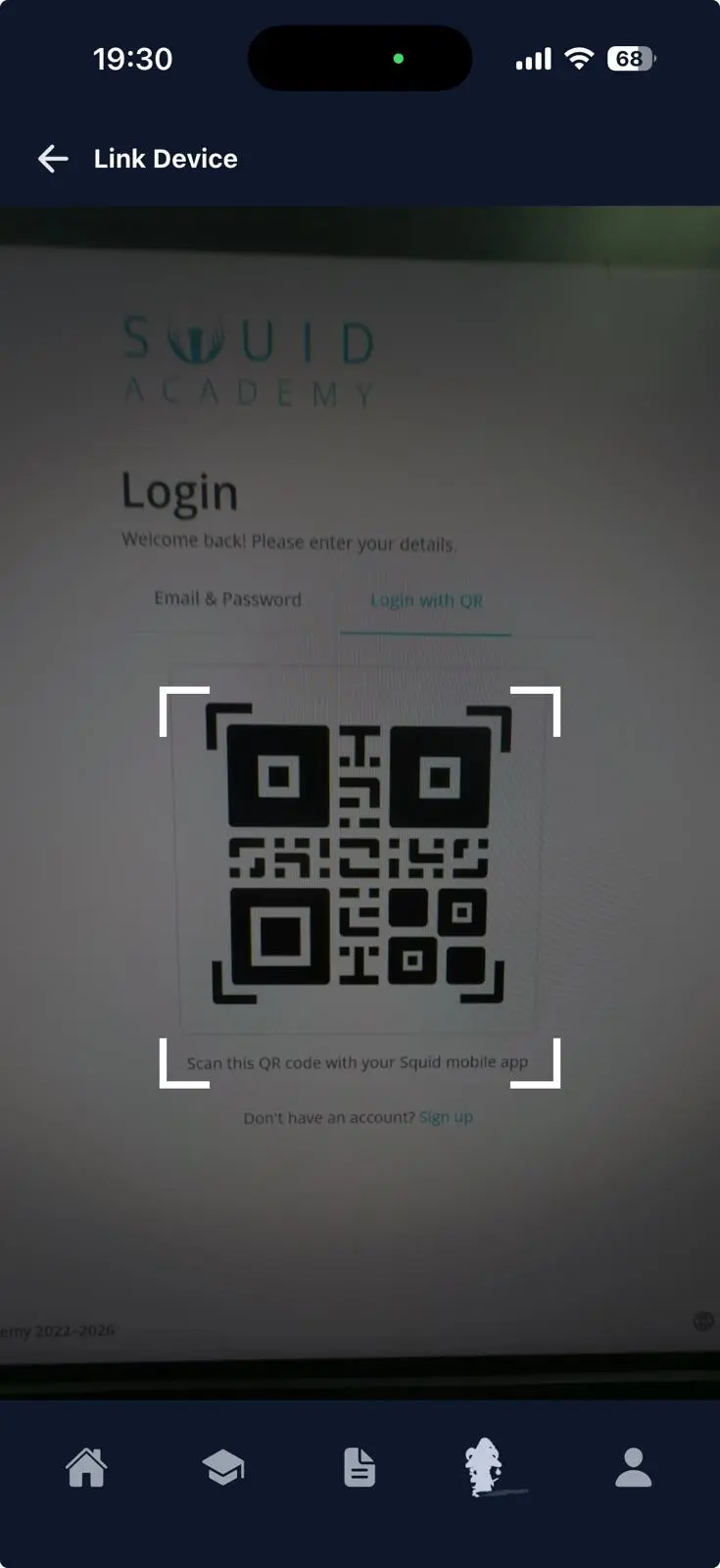
The mobile app enables QR-based login to the web platform.
Students can securely authenticate on desktop devices by scanning a QR code displayed on the LMS login screen.
- Secure token-based authentication
- Instant login across devices
- No password entry required
This feature simplifies login while maintaining secure access to the learning platform.
Real-Time Synchronization
The mobile app is fully integrated with the Squid Academy LMS backend.
- Instant synchronization of class progress
- Push notifications for grading and updates
- Learning module progress tracking
- Offline caching for recently viewed lessons
This ensures students and teachers always access the most up-to-date information.
Built for Performance
The Squid Academy Mobile App is designed for reliability, security, and performance.
- Android and iOS native support
- Secure authentication using encrypted tokens
- HTTPS communication across all services
- Fast load times for dashboards and classes
- Optimized mobile interface for learning workflows
Connected to the Squid Academy Platform
The mobile application integrates directly with the Squid Academy ecosystem. Programs delivered through the app include:
This ensures students and teachers can access all Squid Academy programs through one connected platform.



See the App in Action
Book a short demo to explore how the Squid Academy Mobile App extends esports education beyond the classroom.